Design systems that make consistent shipping the easy option.
Tokens, components, and documentation in Figma — built to mirror your codebase so design and engineering finally speak the same language.
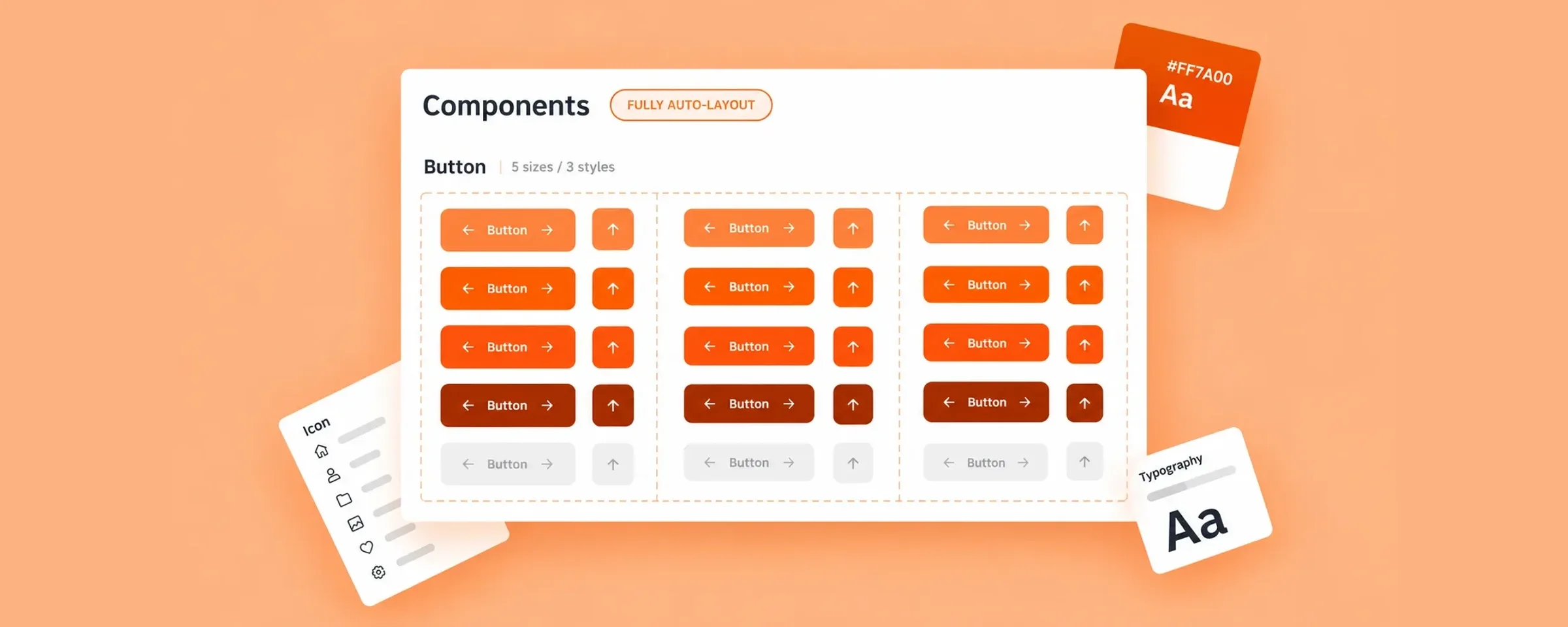
A design system isn't a library of components. It's an agreement about how you build.
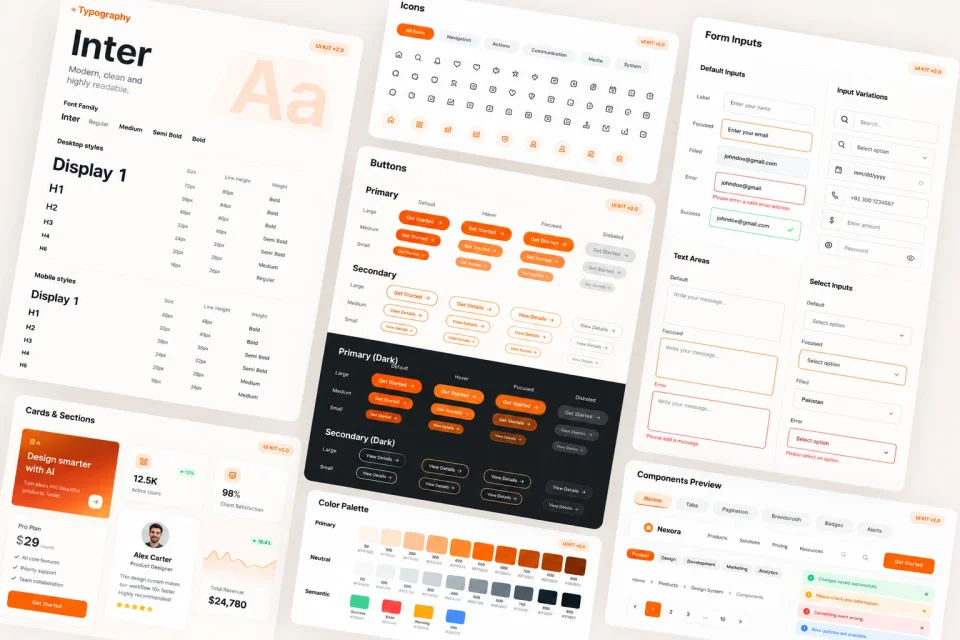
I build design systems that hold up under real delivery pressure: a token layer for color, type, spacing, and radius; components with every variant and state; and documentation that explains when to use what. Structured to map onto your front-end code, so designers and engineers reference the same source of truth.
Signs you need a system.
Every new feature adds another variant nobody documented.
The Figma file and production haven't matched in months.
Designers rebuild the same patterns instead of composing them.
Contrast, focus, and touch targets pass in some places and fail in others.
Color, type, spacing, radius, elevation, and motion as a structured token set.
Every component with variants, states, and responsive behavior defined.
Theming, dark mode, and density handled through variables, not duplicates.
When to use each component, and what not to do with it.
Naming and structure that map to React, Tailwind, or your existing stack.
Contribution rules, versioning, and rollout so the system stays alive.
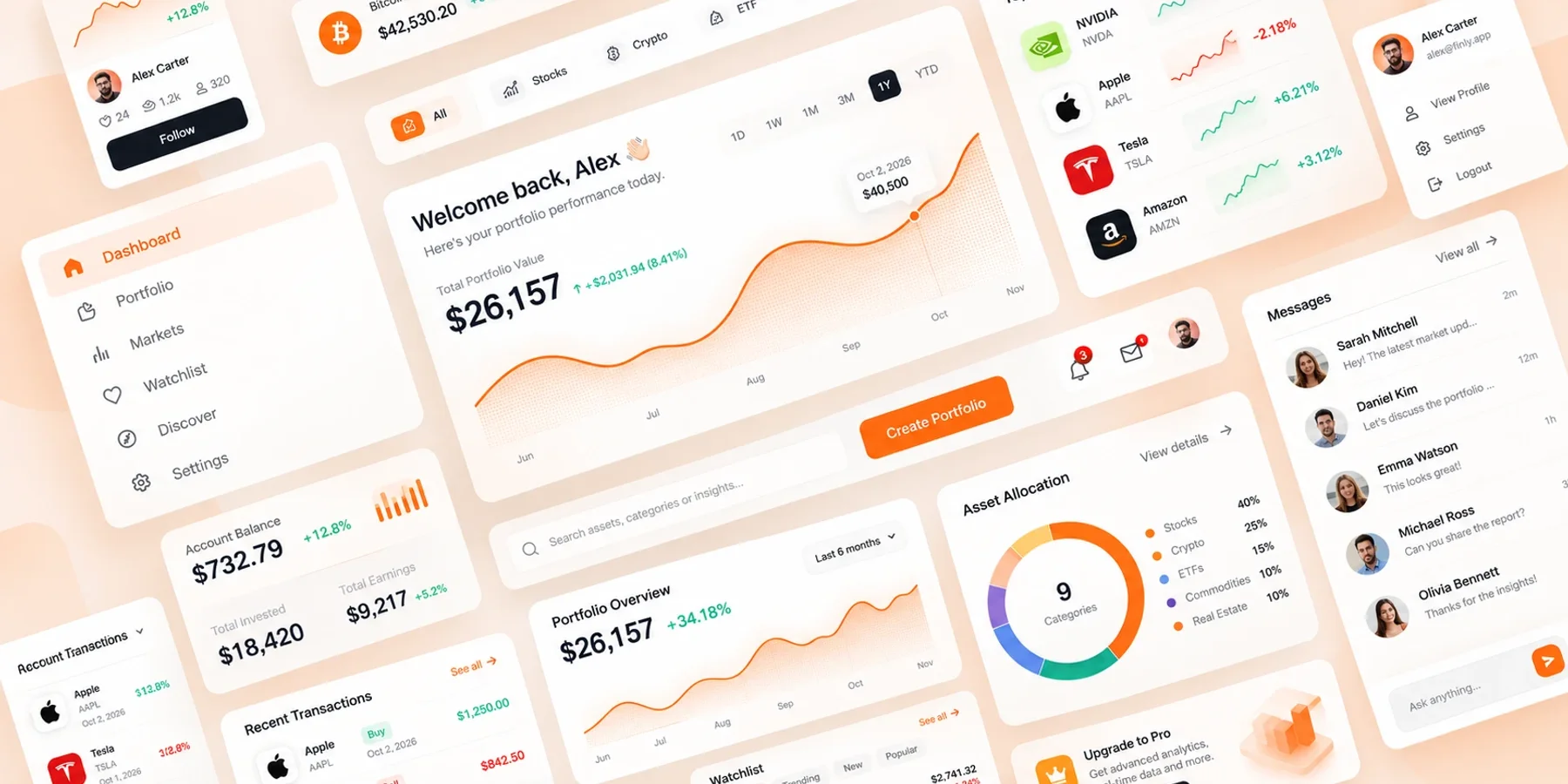
- AuditInventory what exists in design and in code, and find the real duplication.
- FoundationsEstablish the token layer and core primitives first.
- ComponentsBuild outward from primitives, documenting variants as we go.
- AdoptionMigration plan, team walkthrough, and contribution guidelines.
Onboard new designers and engineers into a shared standard.
Share foundations across products without flattening each one.
Roll a new identity through the product systematically.
Systems built for the team that has to maintain them after I leave.










The tools I design and build with, end to end.










Systems now used daily by product teams.
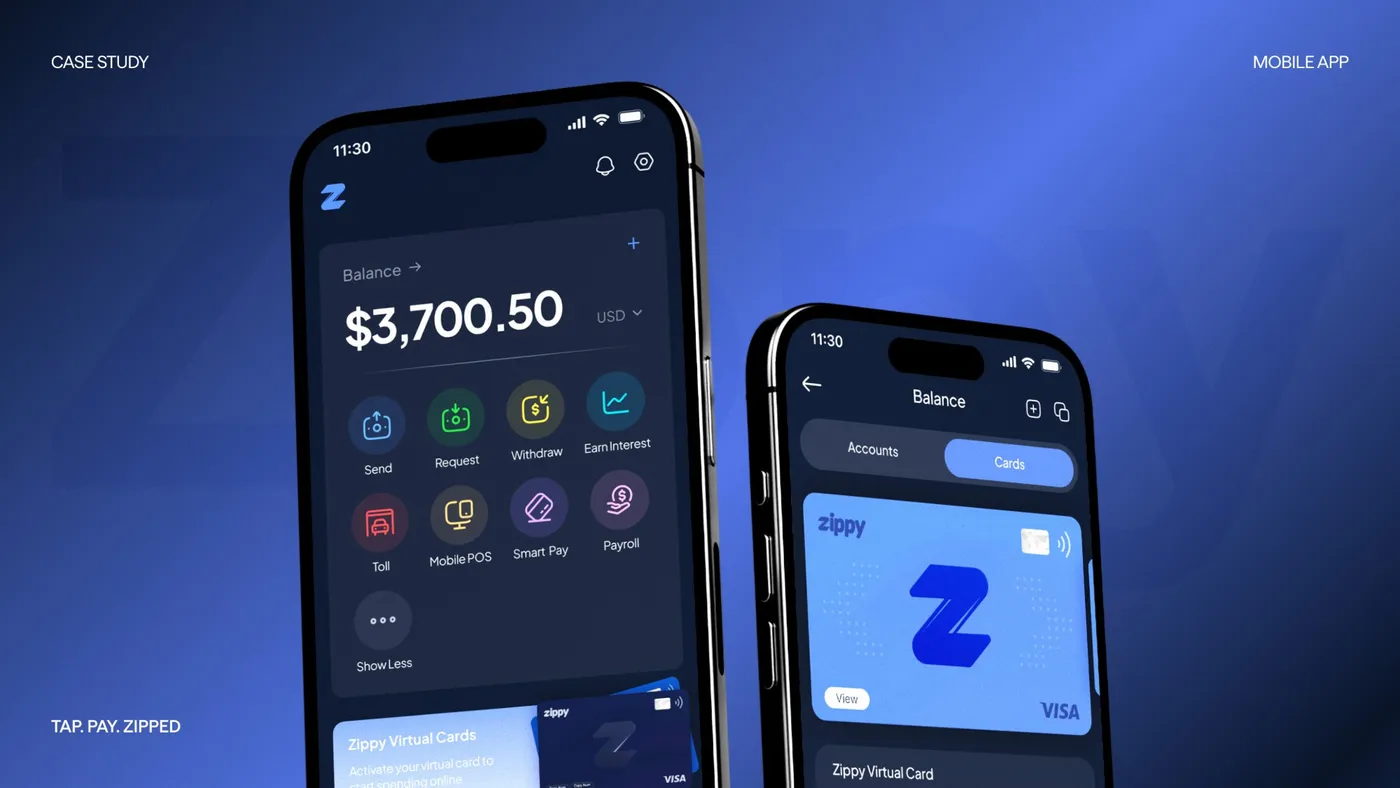
FinPay — unified invoicing & payments dashboard
Redesigned a fragmented back office into one clear operational view for finance teams.
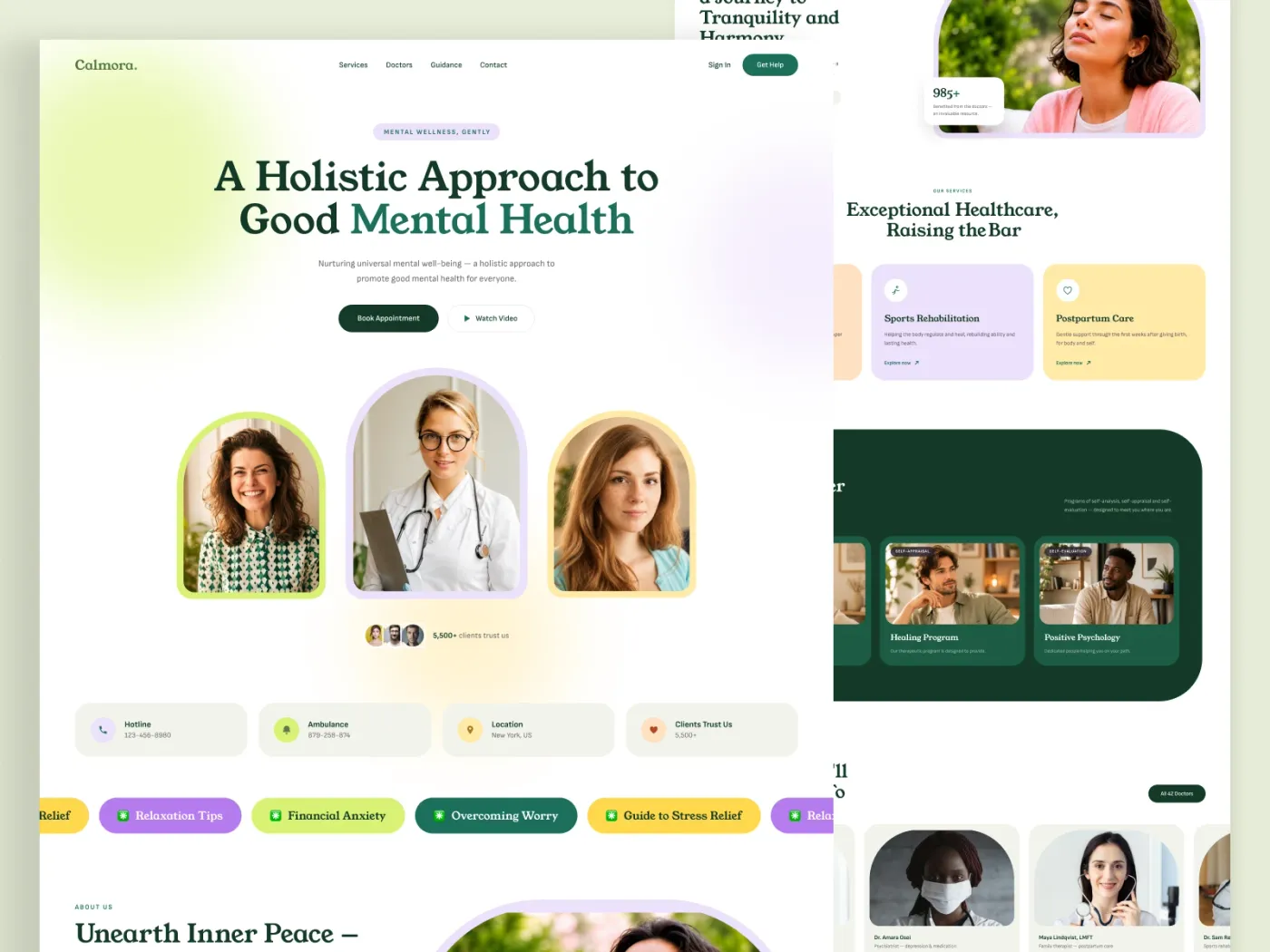
MediCare — patient booking made effortless
A mobile experience that turned a 9-step booking flow into three taps, for all ages and abilities.
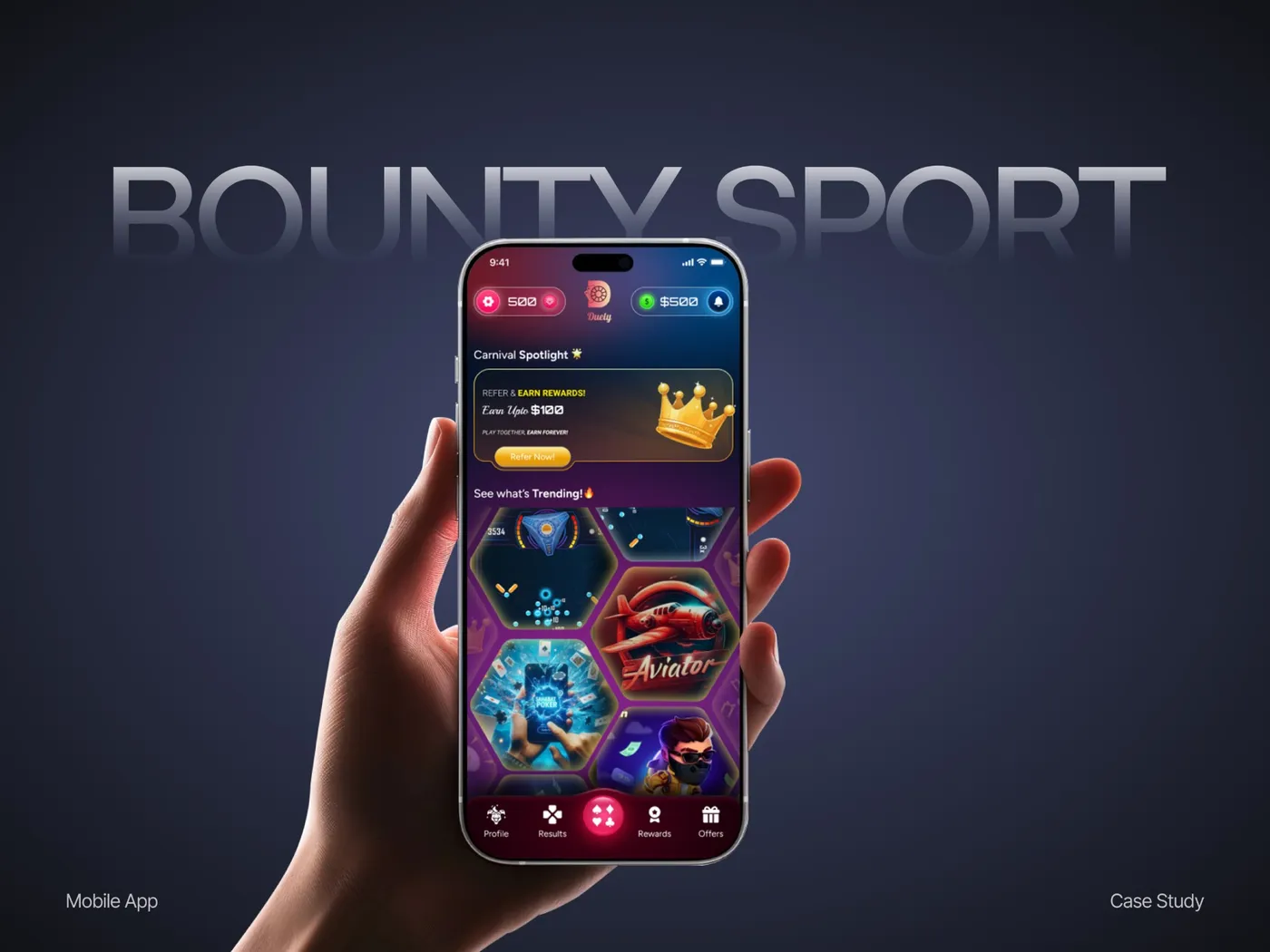
Shelfie — a storefront builder for small retailers
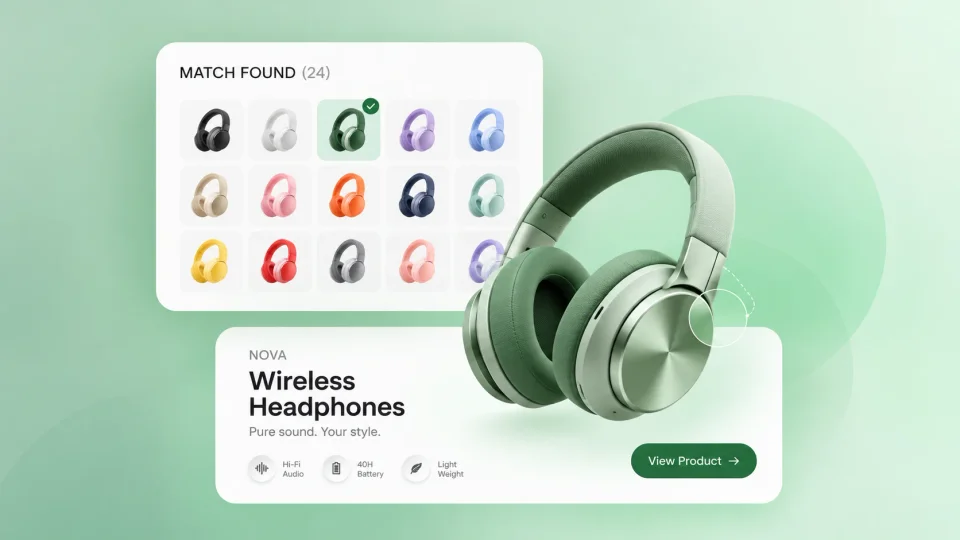
Simplified product listing and checkout so non-technical sellers could launch stores in an afternoon.
Foundations and core components take three to five weeks. A comprehensive multi-platform system runs eight to twelve weeks, usually delivered in phases.
I define the design layer and align naming to your stack, and work alongside your engineers as they implement. I can also review the coded library against the design source.
Usually yes — an audit followed by a restructure of the token layer is often faster and less disruptive than a rebuild.
Governance: contribution rules, a versioning scheme, an owner, and a review cadence agreed before handoff.
Build the system once.
Share your Figma file — I'll audit it and show you what a system would consolidate.